software that empowers your team

software that empowers your team


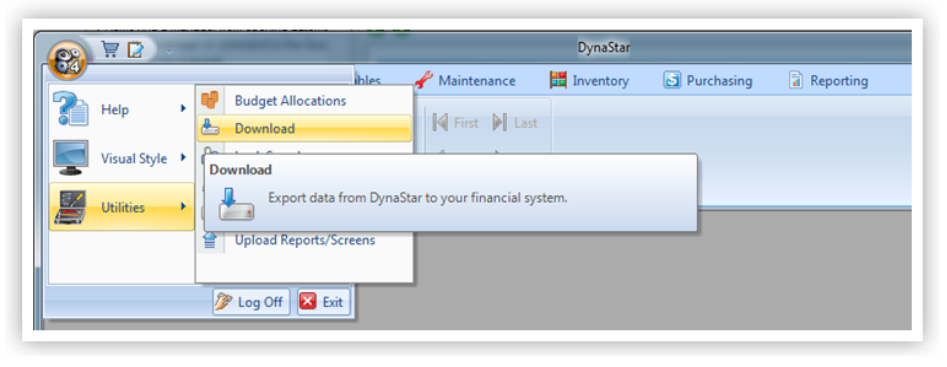
The Download Utility allows exporting any data from DynaStar™ to another system, for example the companies Financial System or ERP System. The Download Utility requires that a DynaStar™ Support Specialists adds an appropriate configuration file to the Business Settings. the configuration file determines the exports available and creates the export data criteria screen that allows users to choose the data range to export. Any Data within DynaStar™ can be exported out to another system.