
software that empowers your team

software that empowers your team


The DynaStar™ main screen uses interface items that are common to Microsoft® Windows® programs. See the screen shot below.
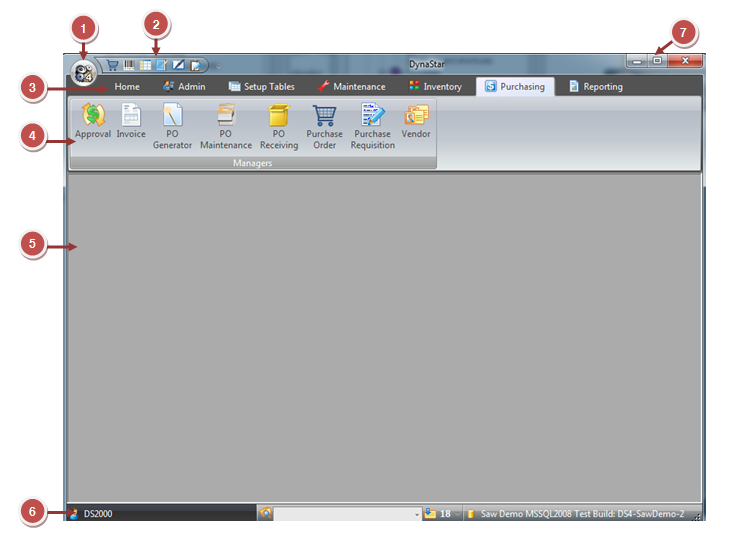
Both the size of the DynaStar™ main screen and its location on the computer's desktop are automatically remembered by DynaStar™ each time a user signs into the application.
