
software that empowers your team

software that empowers your team


Any grid of data in DynaStar™ can easily be exported to an Excel Spreadsheet.
To export a grid's data to Excel:
1. Right Clickthe grid to bring up the grid context menu
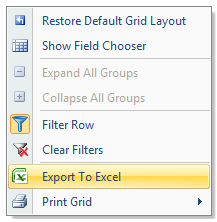
2. Select the Export to Exceloption to bring up the Save Asdialogue.
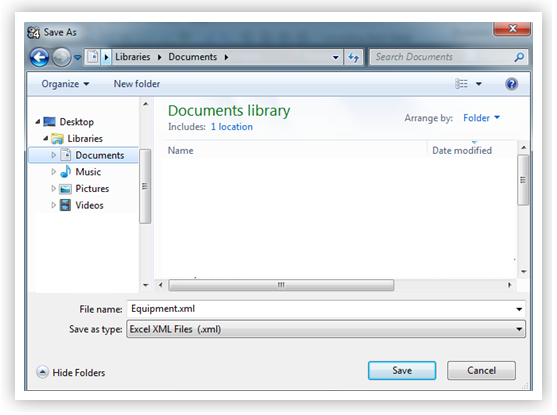
3. Browse to the location to export the data
4. Click Save
The grid contents have now been exported as an xml file that will open in Excel as a spreadsheet.
