software that empowers your team

software that empowers your team
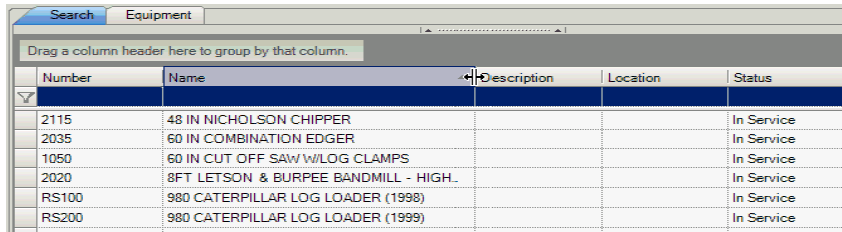
DynaStar™ grid columns can be resized to be made narrower or wider. DynaStar™ stores each grid setting on a user-by-user basis. How one user resizes their grids, does not affect another user. Each user has their own grid preferences for each grid in the application.
To Widen a grid column:
1. Place the mouse cursor over the vertical bar on the right side of a column header.
2. Press and Hold the mouse button.
3. Drag the vertical bar to:
- the left to narrow the column
- the right to widen the column
If a user Double Clicks the vertical bar in Step 3 the column will automatically resize to the largest width it needs to be to view the data in the column.
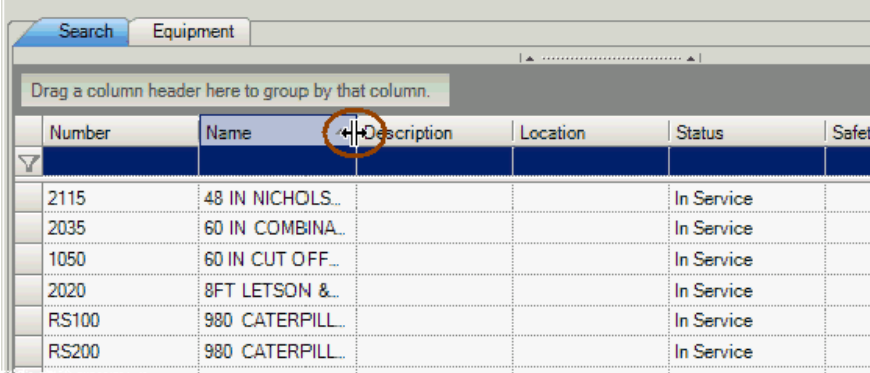
The example below shows the vertical bar having been dragged to the right to widen the Name column from above.