software that empowers your team

software that empowers your team


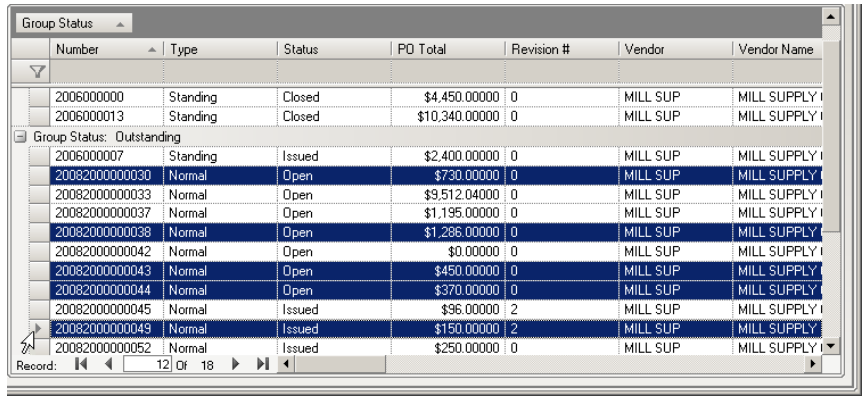
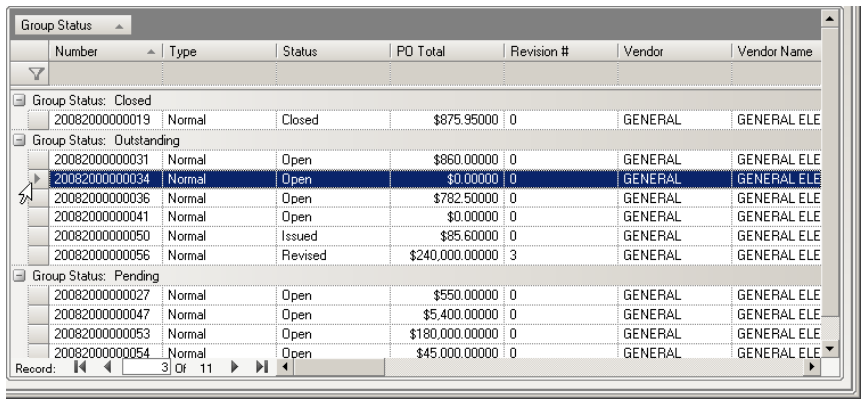
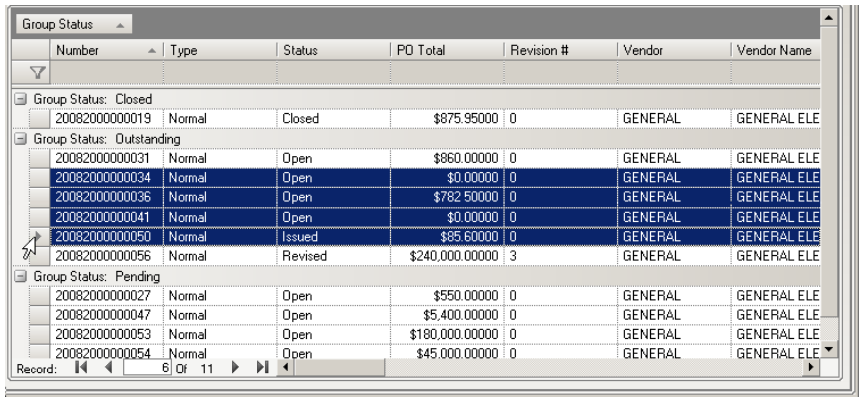
DynaStar™ grids allow the selection of more than one record at a time, for printing purposes. Records can be selected in a continuous or non-continuous block.
Select records by using the following key combinations:
1. SHIFT + CLICK, or
2. CLICK and Drag, or
3. CTRL + CLICK
Following the examples screenshots below:
1. Either:
 Hold down the Shift key and Click the first record
then Click the last record in the block, or
Click the first record and keeping the mouse key pressed
drag the mouse to the row header of he last record to
be selected
Hold down the CTRL key and then Click the records
to be selected