
software that empowers your team

software that empowers your team


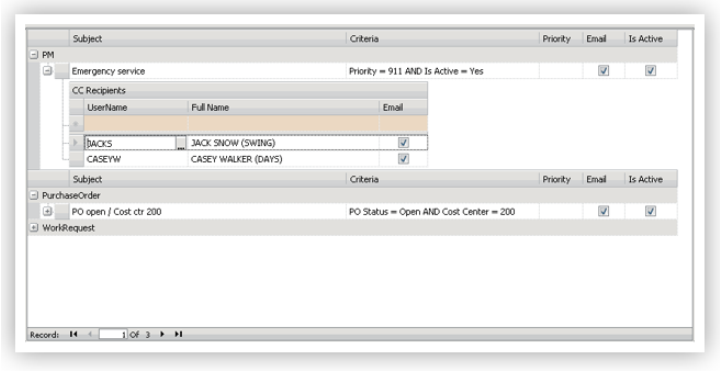
Changes to existing notifications can be made — for example, changing the list of people who are copied on the notification, or temporarily deactivating a notification, or deleting a notification that's not needed any more.
To Modify a Notification:
1. Click Manage Notification Rules from the Notification Menu on the Status Bar.
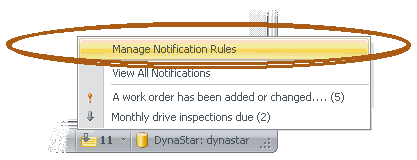
All existing notifications appear in the Notifications Rules window. (Users can only see notification rules they have created.)
2. Click the Edit  button on the toolbar, then
2. Click the Save  button on the toolbar or press F2 on the keyboard to save changes made.
