
software that empowers your team

software that empowers your team


To broaden searches, it is sometimes necessary to have multiple value choices using the same search criteria field. In DynaStar there are two different ways to have multiple values in a field.
Method 1
1. Set the search criteria field to Exact Mode.
2. Click the Pick List button
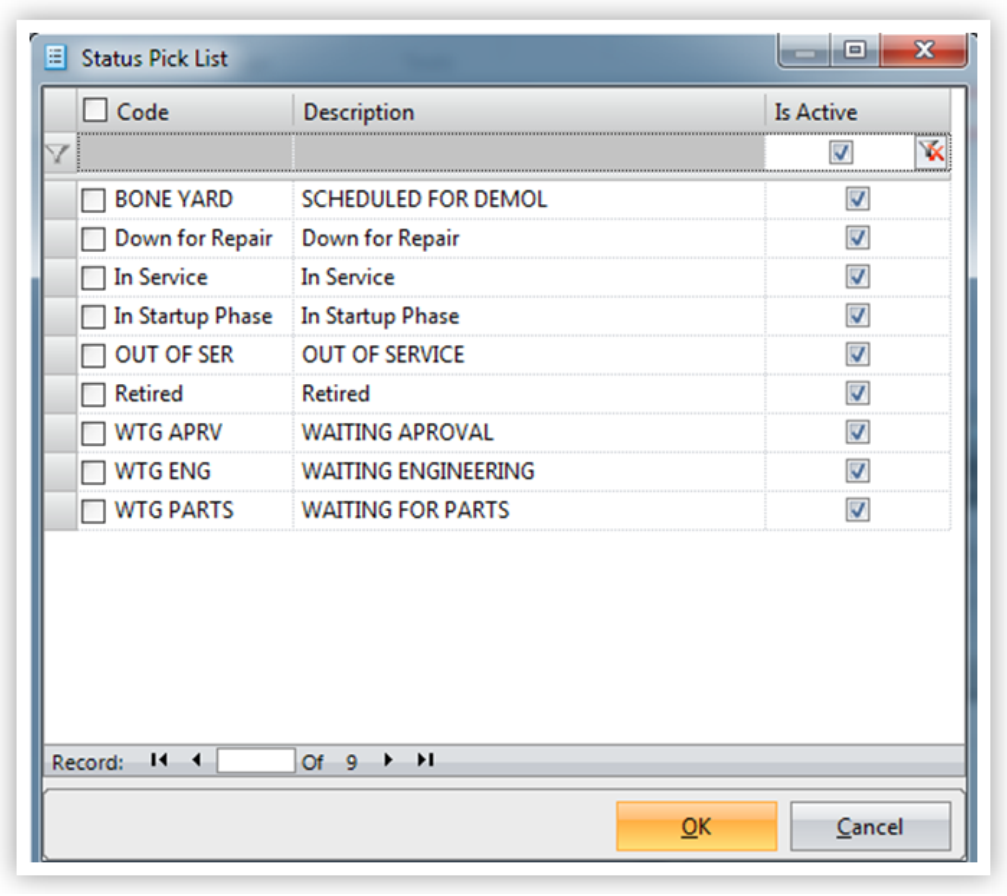
When a Pick List on a field in Exact Mode is clicked, the Pick List will open with checkboxes next to each entry. Simply select tmultiple values by checking the boxes of each value to be included.

Method 2
1. Click the Plus Sign to the left of the criteria field to add another field of the same criteria. Add as many fields of the same type that make sense. Each field added can be placed in a different mode.

