
software that empowers your team

software that empowers your team


In every DynaStar Manager, the Main Number/Code field at the top left of the Manager's tab can be used to search for a specific record in that manager.
To Search with the Number/Code Field:
1. Open the manager and then click the Manager Tab. (example in the part manager below)
2. In the number field, enter the complete number of the record to be found (wildcard cannot be used here)
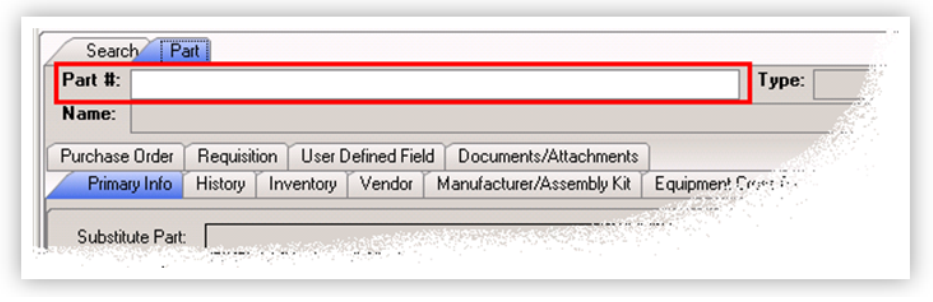
3. Press Enter on the Keyboard.
If the record exists the details will be found.
