
software that empowers your team

software that empowers your team


If a user has set a Manager to automatically open when logging into DynaStar™, then decides they no longer want that Manager to automatically open, the user can turn off their user preference, by following these simple steps:
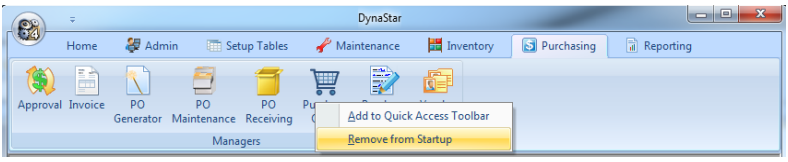
The next time the user signs into the application that manager will not automatically open up. To remove another manager from automatically opening, simply repeat the process above.
