software that empowers your team

software that empowers your team


Most DynaStar grids have a filter row between the column headers and the results grid. Some grids may have the filter row turned off by default. (see Hiding or Showing the DynaStar™ Grid Filter Row)
To filter a result set of records:
1. In the filter row (blank row), click in the cell below the column header, to filter on.
2. Enter the words, numbers and or wildcard to use to filter.
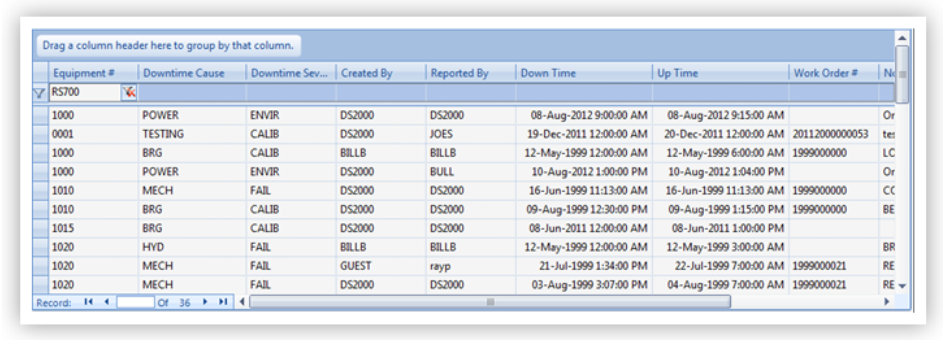
In the example below, to filter the result set by the Equipment Number RS700 enter RS700 into the blank cell on the filter row below the Equipment # Column Header.
3. To apply the filter, click the Enter key on the keyboard.
The records in the results grid will be filtered to only show records with the Equipment Number RS700.
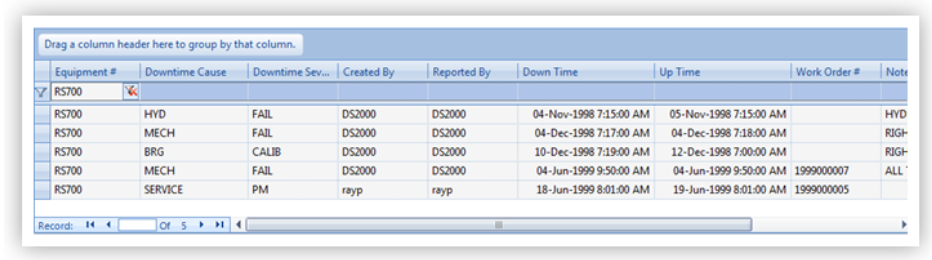
4. Multiple filters can be used to filter the result set in the grid. For example, to futher filter the results list to show records with a Downtime Cause of MECH only, Enter MECH into the blank cell below the column header Downtime Cause, then click Enter on the keyboard to apply the filter.
To Clear a filter:
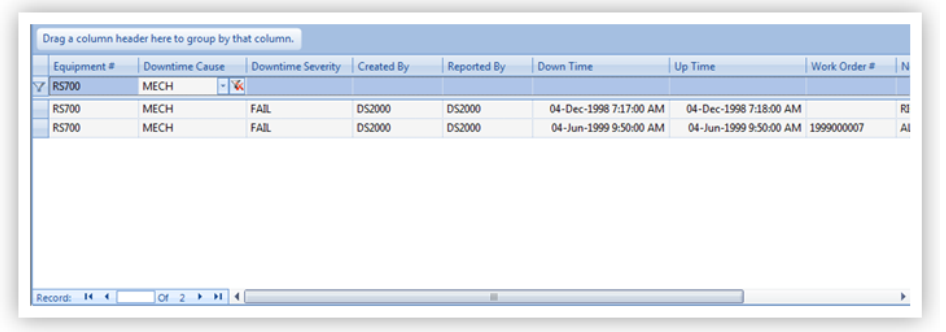
 Click the Red X to the right of the entry in the Filter Row.
To Clear all filters in use:
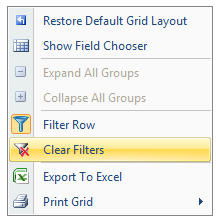
Right Click the grid, then Select Clear Filters in the pop-up dialogue.